
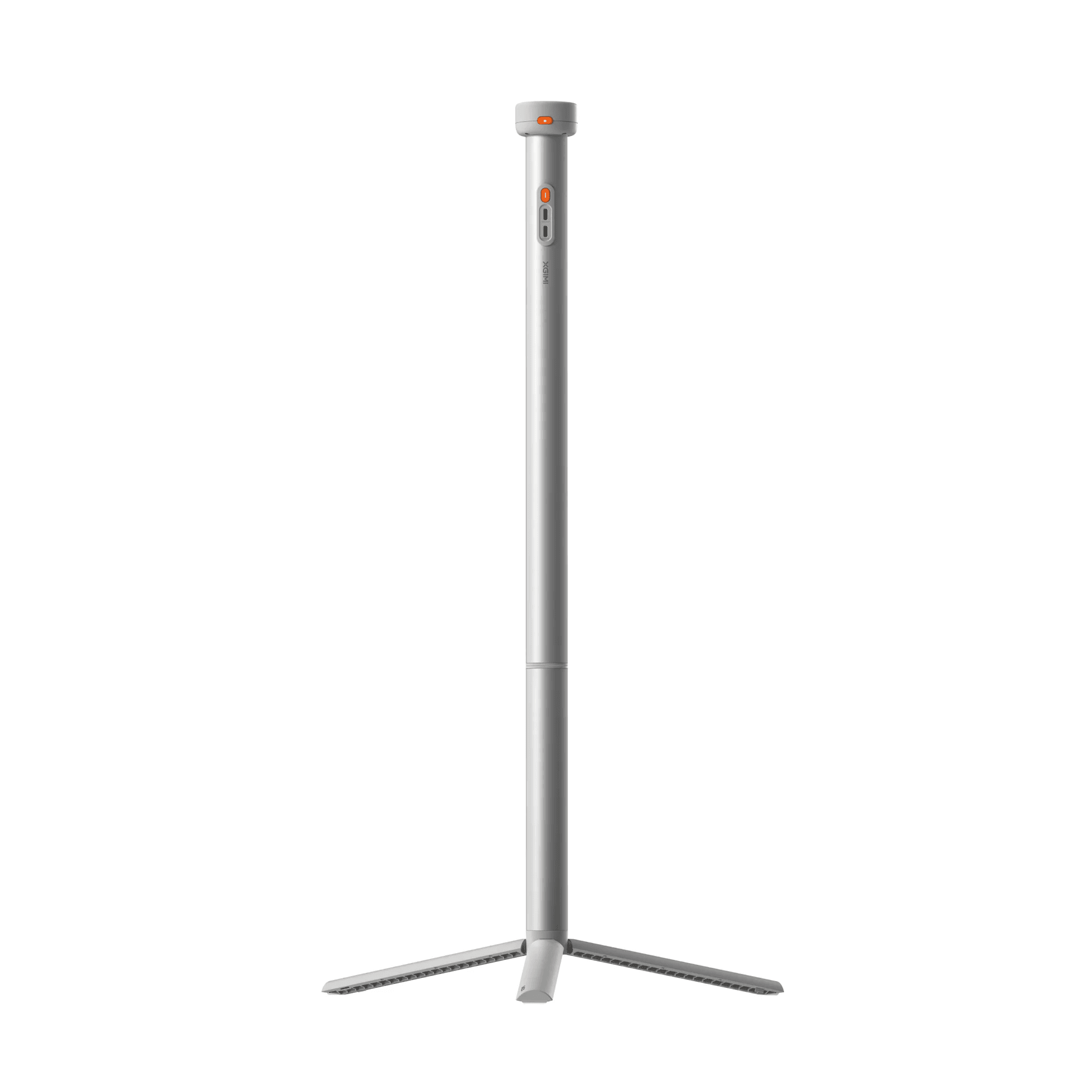
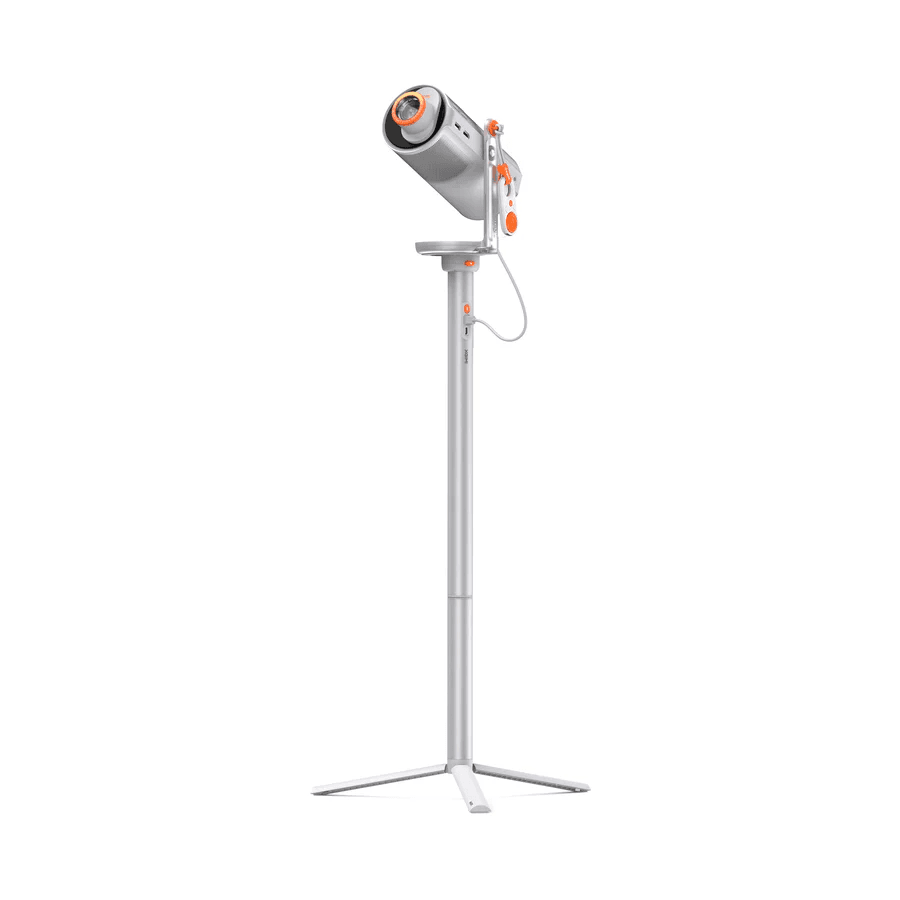



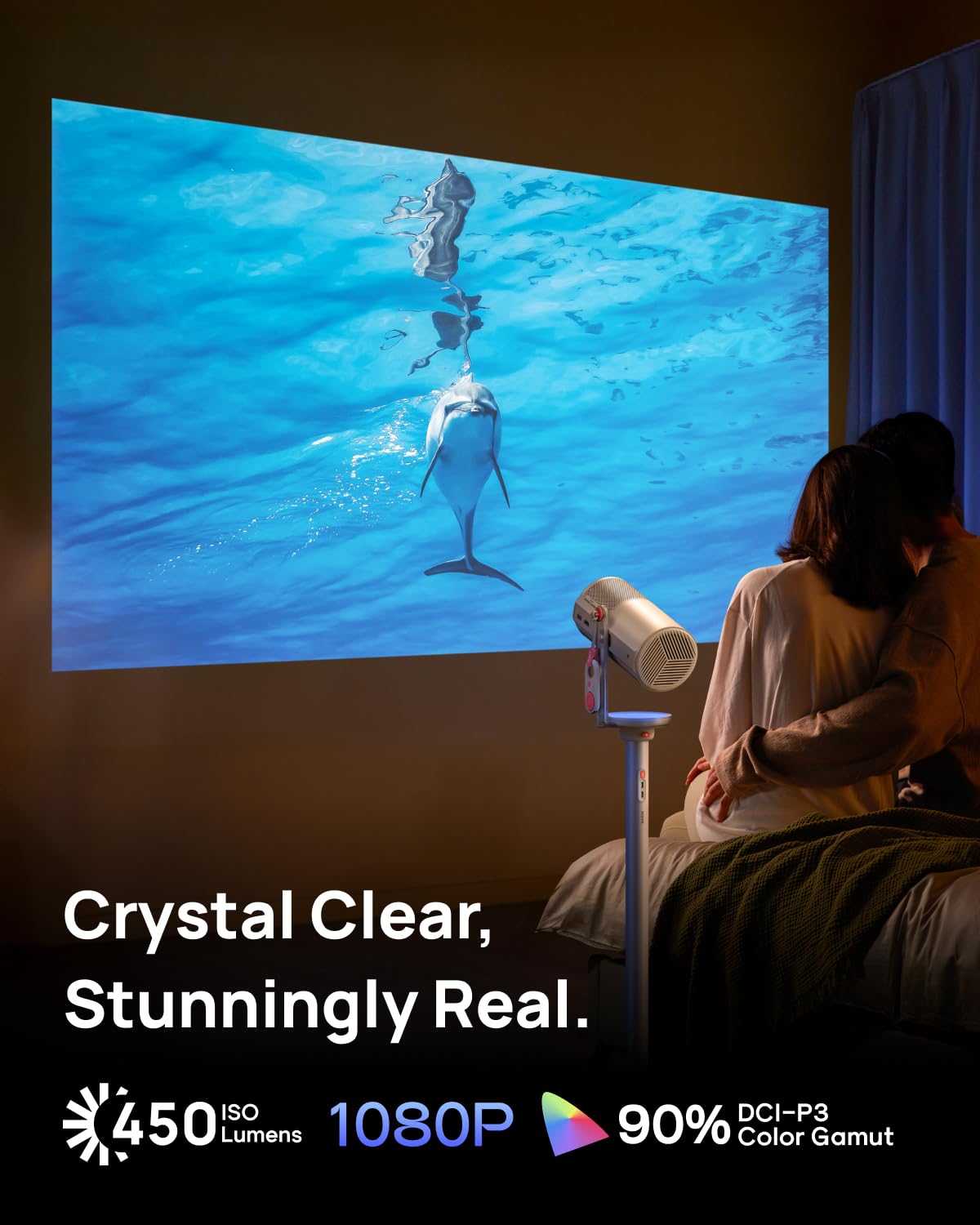
Mogo 4 with PowerBase Stand
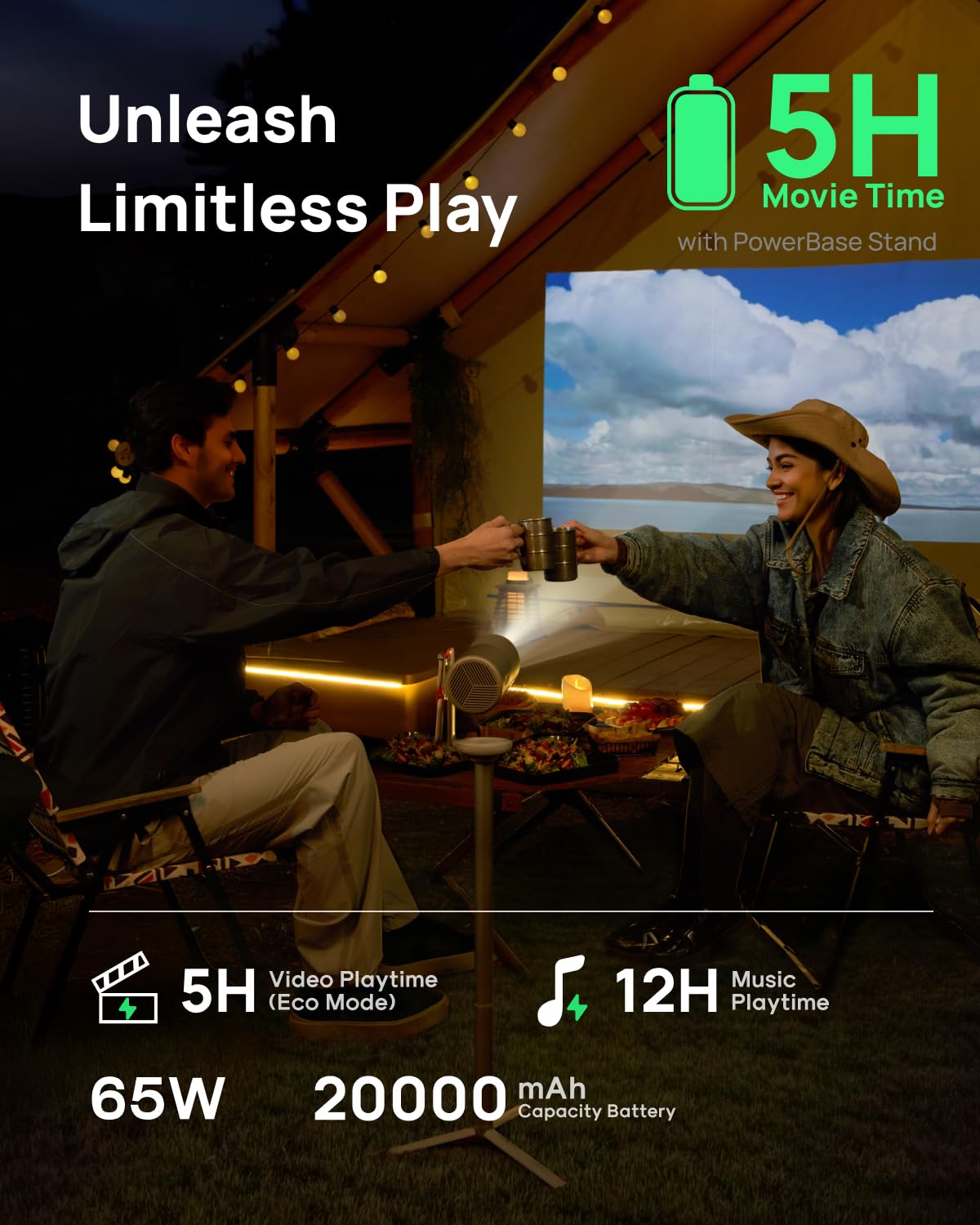
- High-Capacity Battery: Enjoy up to 5 hours of video or 12 hours of music playback when paired with the MoGo 4 series. Watch a full Hollywood blockbuster on a single charge.
- Quick-Attach Design: Effortlessly mount or remove the projector in seconds with the stand’s release button.
- 2-in-1 Innovation Stand: A seamless blend of floor stand and powerful bank, giving you a worry-free, big-screen viewing experience anytime, anywhere.
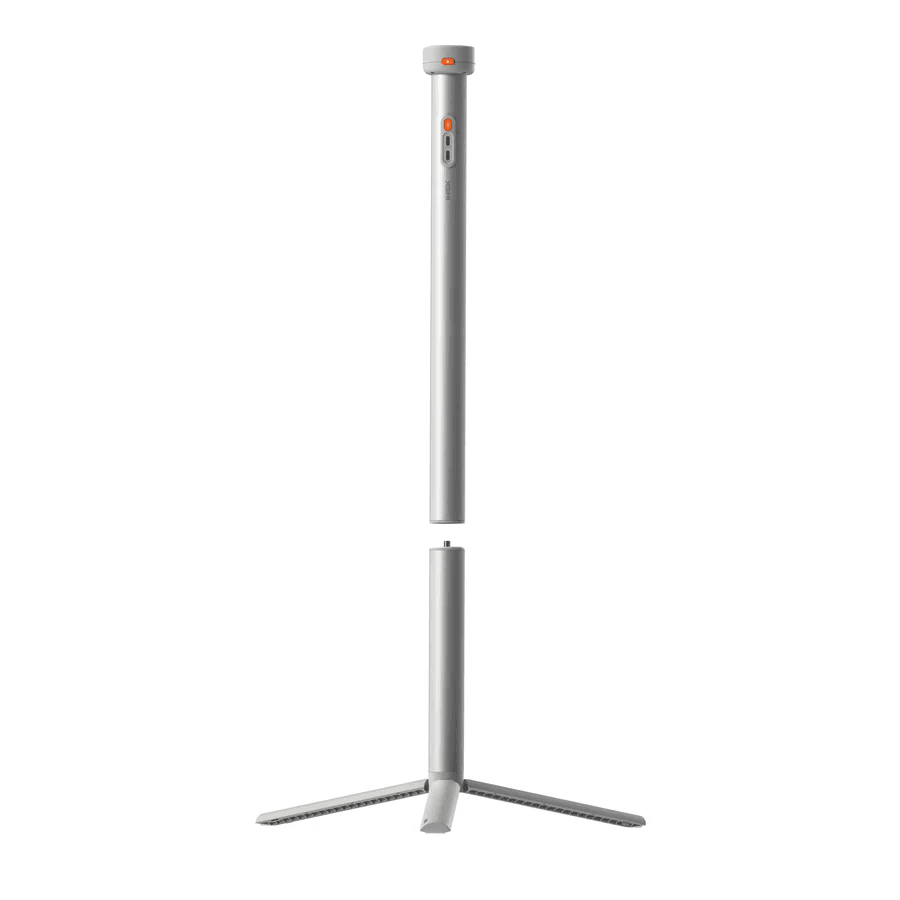
- Lightweight, Portable, and Stable: Designed for easy transport, the stand separates into two compact pieces, fitting effortlessly into a backpack. When it’s movie time, reassemble with a simple twist—its sturdy aluminum alloy build ensures rock-solid stability.
- Charging Notes: *Use the included charging cable to power the projector. Third-party cables must support over 5A current. *Use the official XGIMI adapter for the PowerBase stand. Third-party adapters must support PD protocol and have a power output above 65W.
Product Notes :
1. For best results, use the PowerBase Stand's native charging cable to power the MoGo 4
projector. Any third-party cables used must support a current of over 5A. Please ensure that the
products you choose meet CCC safety certification standards.
2. To charge the PowerBase Stand, use the native power adapter provided by XGIMI. Any
third-party adapters used must support the PD protocol and provide at least 65W of power
output.
3. When connected to the PowerBase Stand, the MoGo 4 projector defaults to Standard Mode. In
Standard Mode, the battery stand delivers up to 65W of power for optimal audio and visual
performance.
4. Eco Mode can be manually enabled in system settings to extend battery life. Compared to
Standard Mode, Eco Mode significantly increases playtime.
5. When powering non-XGIMI devices, the output is limited to 5V. Verify compatibility at
XGIMI.com or consult customer service.
6. If the XGIMI PowerBase stand’s indicators do not turn on or it is not properly providing
power, it may be in protection mode. Press and hold the battery check button for 5 seconds to
reset.
7. If the product is not used for an extended period, keep the charge level between 20%-50% and
store it in a cool, dry place to prolong battery life.
Main ContentSpecsNotesPurchase Page* Actual product features and specifications
(including appearance, color, and size) and actual display aspects (including backgrounds,
interface, and icons) may vary by country. Please consult the point of sale for further
information.
* All performance data in the preceding pages are theoretical values obtained by XGIMI internal
laboratories through tests conducted under particular conditions. Refer to the aforementioned
product details for more information on the specific testing conditions. Actual performance may
vary based on individual product configurations, software versions, application conditions, and
environmental factors. All data is subject to actual usage.
* XGIMI makes every effort at the time of publication to ensure the accuracy of the product
information it provides. Due to subsequent changes involving product batches, production, and
supply factors, it may be necessary for XGIMI to make changes and adjustments to text and images
so that they match the performance, specifications, indexes, and components of the actual
product. Product information is subject to such changes and adjustments without notice.
* All parameters listed on this page are measured in an XGIMI internal test environment for mass
production. User experiences may vary in different settings, usage conditions, software
versions, etc. Please check the official XGIMI website for detailed test standards and data.
* The product includes a printed manual. However, the electronic manual will be updated on the
XGIMI website. If there is any discrepancy or conflict between the printed and the electronic
manual, please refer to the latest electronic manual on the official website.
* We advocate for environmental sustainability and paper conservation. For instructions in
various languages, please scan the QR code of the printed manual or download the electronic
version. If you have any questions during use, please contact us via info@xgimiprojector.in.

Specs
- Product Name
- XGIMI PowerBase Stand for MoGo 4 Series
- Compatible Devices
- MoGo 4, MoGo 4 Laser
- Battery Capacity
- 72Wh / 20000mAh (3.6V 5000mAh × 4)
- Rated Capacity
- 3250mAh (20V / 3.25A)
- Port Specifications
- USB-C Output ×1, USB-C Input ×1
- Maximum Supported Weight
- ≤ 1.5 kg
- Main Material
- PC+ABS, Aluminum Alloy, Zinc Alloy, Silicone
- Product Dimensions (H × W × D)
-
683 × 53 × 48 mm (Max height)
432 × 53 × 48 mm (Unit A)
410 × 32 × 32 mm (Unit B)
- Product Weight
- 0.82 kg
- Package Dimensions (H × W × D)
- 468 × 116 × 73 mm
- Package Weight
- 1.05 kg
